First Person Basketball Create & Join Rooms
Host, see the room list, join friends, and stay connected online.
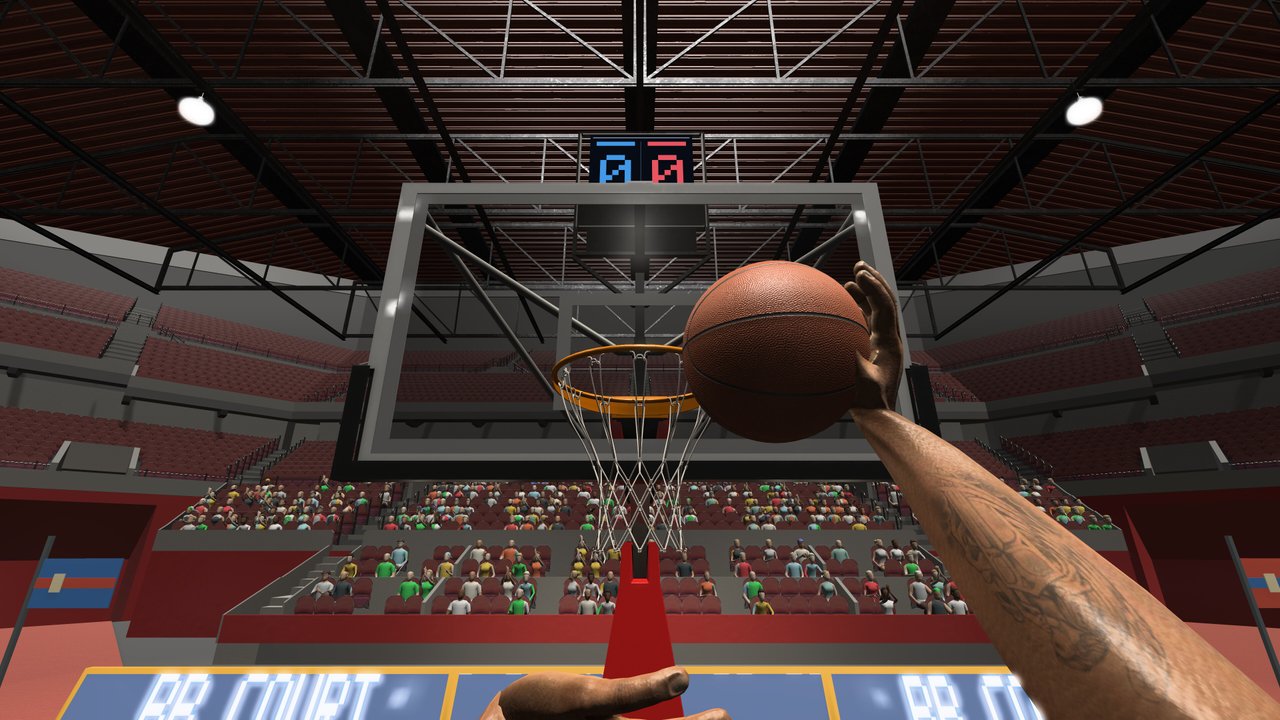
Online play in First Person Basketball is built around player-created rooms that scale from 1v1 to 5v5. The developer (纸上谈兵工作室, Steam app 5478590) has repeatedly asked players to report whether they can create rooms, see other players’ rooms in the list, join successfully, and stay connected during matches. This guide turns those official feedback questions into a practical lobby checklist for the full release.
History that still matters: the October 31, 2026 demo update improved how player-created rooms appear in the multiplayer room list so you can join games directly from that list (Demo Rooms Update). The November 4 full release ended the demo (app 5484390) and moved everyone onto the paid game. The November 5 patch then improved online scoring replays, reduced some multiplayer processing overhead, and reminded parties to run the same game version before online play.
This page is unofficial. Confirm live UI labels in your Steam build. There are no redeem codes.
What “rooms” mean here
A room is a hosted online session. One player creates or hosts; others find that room in the room list (or via invite flow if your build exposes it) and join. Formats cover the store promise: online multiplayer from one-on-one through five-on-five, plus practice and AI as the offline ladder.
| Goal | Action |
|---|---|
| Host a session | Create a room, pick format, wait for joins |
| Find public/friend lobbies | Open the room list and join a listed room |
| Stay stable | Match versions, update Steam, report disconnects with context |
Pre-lobby checklist (do this every time)
- Update Steam and the game, then fully restart the client.
- Confirm every friend is on the same build—November 5 notes call this out explicitly.
- Warm up 5–10 minutes in practice or AI (Practice & AI).
- Lock Stable Camera unless you already prefer Dynamic (Camera Settings).
- Agree on format: 1v1 for ISO skill, small-sided for spacing, 5v5 only when fundamentals feel calm.
- Open multiplayer and either create a room or refresh the room list.
Skipping version matching is the fastest way to mis-diagnose “broken join” as a network mystery.
Creating a room
- Launch First Person Basketball from Steam (app 5478590).
- Enter the multiplayer / online section.
- Choose create room (wording may vary slightly by language pack).
- Select the match size you want within the 1v1–5v5 range.
- Stay in the lobby until friends appear; do not alt-tab into long downloads mid-host.
- Start when the party is ready and versions match.
Host tips:
- Remake the room after anyone mid-session updates.
- Keep party size honest—do not start a “5v5” with two people and wonder why spacing feels weird.
- After tip-off, use clearer scoring replays (improved November 5 for non-hosts) to review finishes instead of arguing in chat.
Finding and joining rooms
Since the late-demo room-list work (October 31) and the full release that followed, the intended flow is:
- Open the room list in multiplayer.
- Look for rooms created by other players (friends or public hosts, depending on what your build shows).
- Join directly from the list.
- If join fails, note whether the room disappeared, timed out, or rejected the client—then retry after a Steam restart.
Join failures — triage
| Symptom | Try this |
|---|---|
| Empty room list | Refresh; confirm you are online; ask a friend to create and recheck |
| Join button does nothing | Restart game; verify versions match; remake on host side |
| Disconnect mid-match | Note party size, host/client role, camera mode; report via Steam discussions |
| Replays / controls feel odd after a score | Wait for replay → gameplay transitions; November 5 improved this path but online control interruptions were still under investigation |
Detailed symptom playbooks: Troubleshooting. Broader online habits: Multiplayer.
Staying connected during matches
The developer specifically wants feedback on whether you stay connected during matches. Build a report habit:
- Mode: online room (state the format).
- Role: host or joiner.
- Party size.
- Camera: Stable or Dynamic.
- Whether everyone matched versions.
- What you were doing when the disconnect or control interruption hit (drive, shoot, pause, replay).
Paste those bullets into Steam Community Discussions or channels listed on the Links Hub. The store also surfaces a developer contact path (QQ / support email on the Steam page)—use Steam discussions first for searchable public repro notes.
How this fits formats
1v1 rooms
Best for measuring crossover → pull-up and hop step → finish craft (Dribble Moves, How to Layup, How to Dunk).
2v2–3v3 rooms
Best bridge to team reads. Extra passes appear; do not over-dribble into two defenders.
5v5 rooms
Highest chaos in first person. Face useful directions off-ball. Prefer catch-and-shoot and clean-angle layups over force dunks.
Session template
- Update + version check (2 min).
- Practice hands and two finishes (8 min).
- Create or join a room (2 min).
- Focus set with one offensive goal (15–20 min).
- Break; remake if anyone updated (5 min).
- Optional second set; hard stop with two lessons written down.
November 5’s reduced multiplayer overhead helps longer nights, but attention span still limits learning.
Related reading
- Multiplayer — Format strategy and warm-ups.
- Demo Rooms Update — October 31 room-list history.
- Full Release Notes — Demo end and launch day.
- Camera & Replay Patch — November 5 online polish.
- Guides Hub — Full tutorial index.
Create deliberately, join from the list, match versions, and report disconnects with context. That loop is exactly what the developer asked the community to test—and it is how First Person Basketball online stays playable as patches land.
Frequently Asked Questions
Quick answers to the most common First Person Basketball questions.
Can I see other players’ rooms in First Person Basketball?
Yes—that was the focus of the October 31, 2026 demo room-list update, and the full game continues online rooms from 1v1 to 5v5. Open the multiplayer room list and join from there.
What should I do before creating a room?
Update Steam and the game, confirm friends share the same version, warm up in practice or AI, and lock your camera mode.
Why can’t my friend join my room?
Most often versions differ, the host needs to remake after an update, or the joiner needs a full Steam restart. Match builds, remake, and retry from the room list.
What multiplayer fixes arrived on November 5, 2026?
Online scoring replays improved (including non-host handling), multiplayer processing overhead was reduced, and parties were reminded to run the same game version.
Where do I report room or disconnect bugs?
Use Steam Community Discussions with mode, host/client role, party size, camera type, version match status, and the action you were doing when it failed. See the Links Hub for store and news entry points.