First Person Basketball Demo Update — Find & Join Rooms
October 31, 2026: room list visibility for player-created multiplayer rooms.
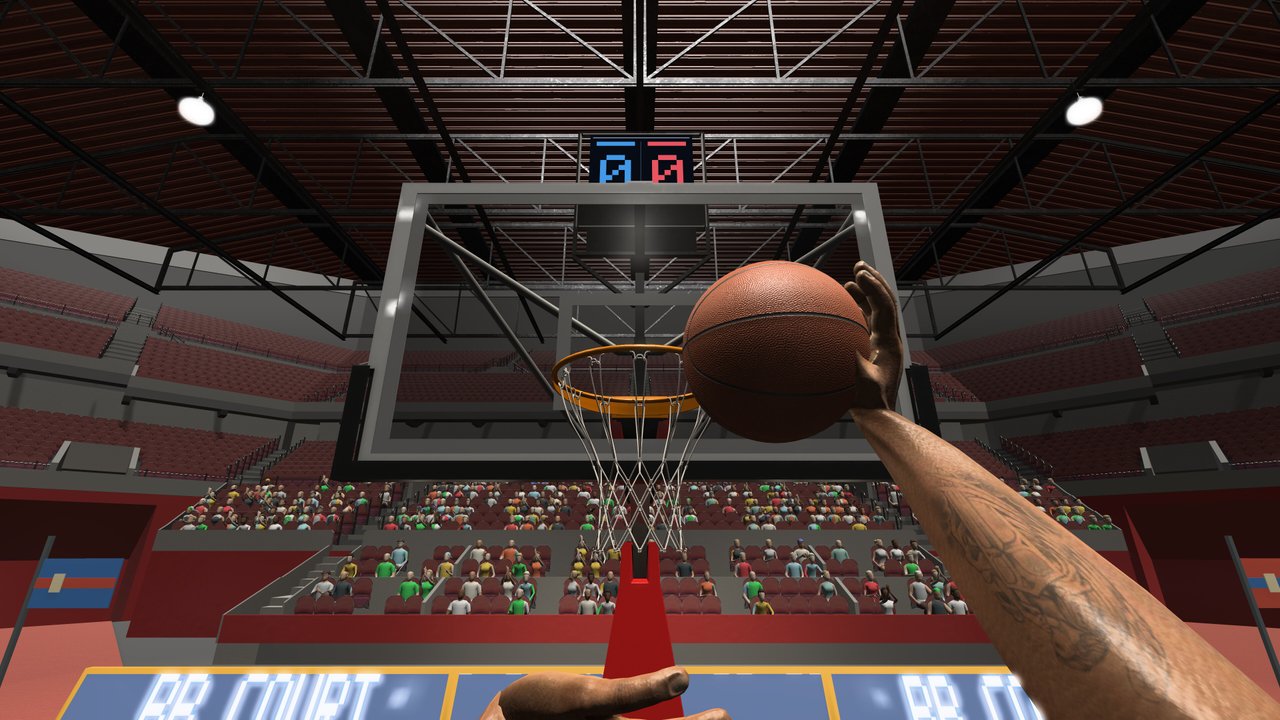
On October 31, 2026, the developer of First Person Basketball (纸上谈兵工作室) shipped a demo multiplayer update titled “Demo Update: Find and Join Other Players’ Rooms!” This unofficial wiki page summarizes that Steam news post and explains why it still matters after the November 4, 2026 full release ended the demo.
Canonical product: Steam app 5478590 (full game). Demo app: 5484390 (ended at launch). Always verify wording on the Steam news hub for the app. Related pages: Create & Join Rooms, Multiplayer, Full Release Notes, Updates Hub.
What the October 31 update changed
From the developer’s Steam announcement:
- Player-created rooms in the demo’s multiplayer mode display differently in the room list.
- You can see rooms created by other players in that list.
- You can join their games directly from the room list.
The post asked players to test whether everything worked as expected: Can you see other players’ rooms, join them successfully, and play together? It also invited reports of connection failures, disconnects, and other issues, plus general impressions and improvement ideas.
That feedback request is the design intent behind this entire article category: rooms are a first-class online feature, not an afterthought.
Why a demo patch still belongs on the Updates Hub
- Continuity of the room-list feature — The full game’s online 1v1–5v5 fantasy still depends on creating and finding rooms. Understanding when list visibility was fixed helps you triage “empty list” complaints after launch.
- Developer priorities — The November 3–4 launch notes again asked whether players could create rooms, see rooms, join, and stay connected. October 31 was the public warm-up for that checklist.
- Demo cutoff context — When the full game launched on November 4, the demo ended. Skills and lobby habits transfer; the demo app itself is no longer the place to play.
Timeline around the rooms work
| Date | Event |
|---|---|
| Oct 29, 2026 | Demo publicly available (Steam demo app 5484390). |
| Oct 31, 2026 | Demo update: find and join other players’ rooms via the room list. |
| Nov 3–4, 2026 | Full release announced/live; demo ends at launch; developer asks for room and connection feedback on the retail build. |
| Nov 5, 2026 | Camera, first-person animation, online replay, and multiplayer overhead update on the full game. |
Read the launch write-up: Full Release Notes (Nov 4). Read the day-after polish: Camera & Replay Patch (Nov 5).
How to use this history in the full game
Even though you should install 5478590 now, keep these habits from the demo rooms era:
- Open multiplayer and check the room list before assuming matchmaking is empty.
- Prefer joining from the list when a friend hosts, instead of only relying on ad-hoc chat invites if the list is available.
- When joins fail, capture whether the room was visible, whether the join started, and whether you disconnected later.
- After November 5, also capture camera mode, host vs client, and version match status—those fields were highlighted in the post-launch patch notes.
Practical lobby guide: Create & Join Rooms.
What this update did not claim
Stay honest to the Steam post:
- It did not invent new scoring modes beyond the existing practice / AI / online fantasy.
- It did not add redeem codes or Roblox-style scripts.
- It did not publish a full netcode whitepaper—only room-list visibility and a request for connection feedback.
- It did not replace the need for the November 5 full-game camera and replay fixes.
If another site claims the October 31 note “added ranked seasons” or “daily codes,” treat that as fiction.
Reporting template inherited from the demo post
The developer asked for concrete reports. Use this template in Steam discussions:
- Build: demo (historical) or full game version date.
- Could you see other rooms in the list? (yes/no)
- Could you join successfully? (yes/no)
- Did you stay connected for the whole match? (yes/no)
- If no: when did it fail (lobby / tip-off / mid-play / after score replay)?
- Party size and whether you hosted or joined.
- Optional after Nov 5: Stable vs Dynamic camera; did everyone match versions?
Links and verification habits: Links Hub. Symptom triage: Troubleshooting.
How this page fits the Updates Hub
The Updates Hub tracks player-facing changes in chronological context. Child pages:
- This page — October 31 demo room-list visibility.
- Full Release Notes — November 4 commercial launch and demo end.
- Camera & Replay Patch — November 5 Stable Camera default, practice hands, dunk framing, online replays, multiplayer overhead.
Future Steam posts should get new child articles rather than silently overwriting these.
Closing
The October 31, 2026 demo update made other players’ rooms visible and joinable from the room list—a small sentence with a large impact on whether online basketball feels alive. The full release ended the demo, but the room-list checklist the developer keeps asking about is still the heart of multiplayer QA. Use Create & Join Rooms for the live how-to, keep this page for the historical patch fact, and verify every new claim against Steam news before you trust a mirror blog.
See you on the court—after you update, open the list, and join with matched versions.
Frequently Asked Questions
Quick answers to the most common First Person Basketball questions.
What did the October 31, 2026 First Person Basketball update do?
It updated how player-created rooms appear in the demo multiplayer room list so you can see other players’ rooms and join their games directly from the list.
Does the demo still work after November 4?
No. The full release on November 4, 2026 ended the demo. Continue on the full Steam app 5478590.
Why document a demo patch after launch?
Room-list visibility and join feedback remain core to online 1v1–5v5. The demo update shows when that lobby behavior was publicly improved and what the developer wanted tested.
Where is the live guide for hosting and joining?
See the Create & Join Rooms guide under Guides, plus the Multiplayer guide for format strategy.
What should I include in a room connection bug report?
Whether rooms were visible, whether join succeeded, whether you stayed connected, party size, host vs joiner, and—after November 5—camera mode and version match status.